Connecting Notion to ClickHouse
Notion is a connected workspace for notes, docs, projects, and AI-powered Custom Agents.
You can connect ClickHouse Cloud to a Notion Custom Agent. Once connected, the agent can explore your data, run read-only analytical queries, and surface service and cost information from ClickHouse Cloud without leaving Notion.
Prerequisites
- A running ClickHouse Cloud service with the Remote MCP server enabled
- A Notion workspace on the Business or Enterprise plan
Connect ClickHouse to a Notion custom agent
ClickHouse ships as a preconfigured connection in Notion (currently in beta). No custom MCP server setup or URL pasting is required.
- In Notion, create a new Custom Agent from the Agents section in the sidebar.
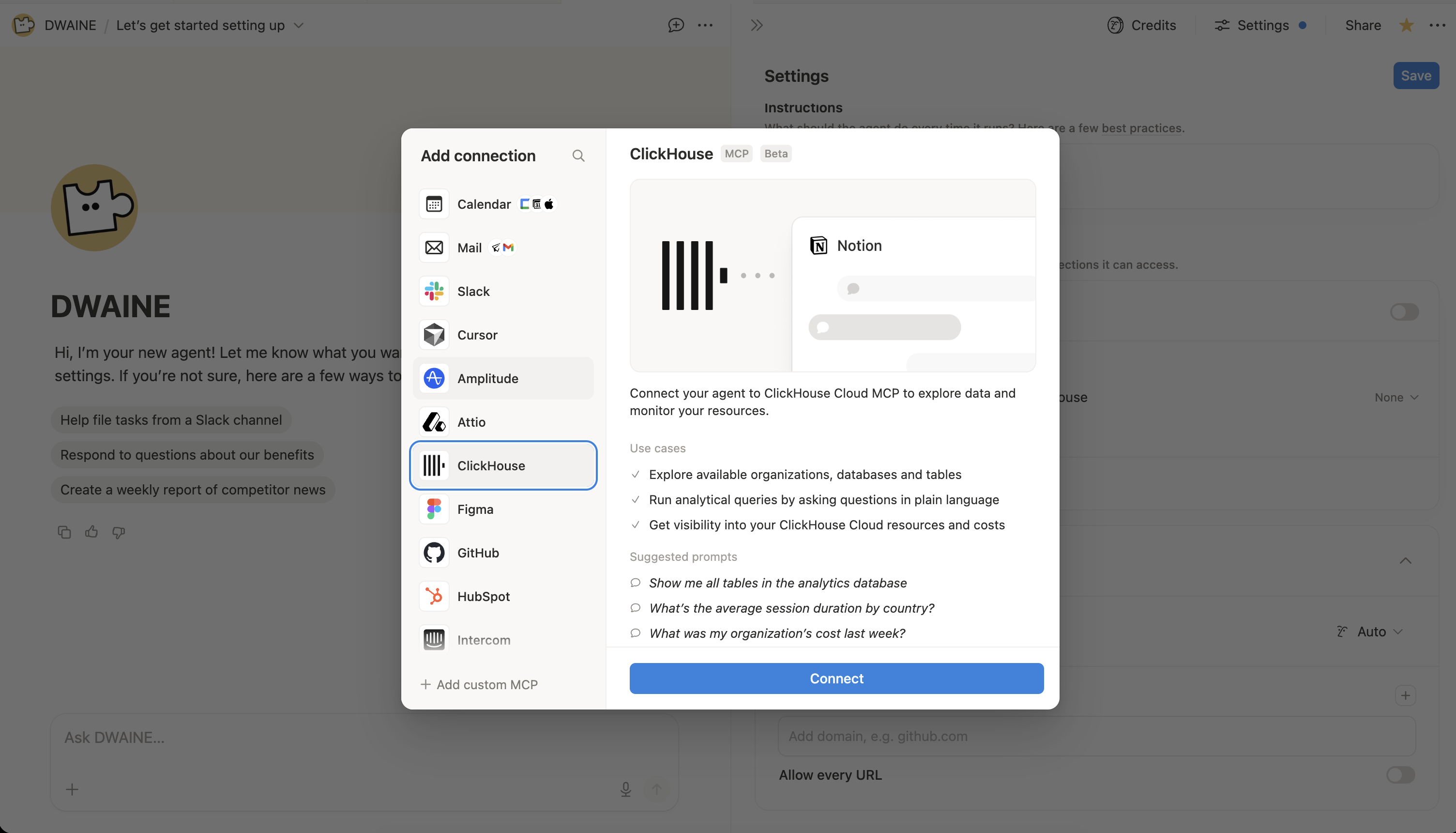
- In your Agent's Settings, under Tools and Access, select Add connection and add ClickHouse from the list of available connections.
-
Click Connect and complete the OAuth flow using your ClickHouse Cloud credentials. Access is scoped to the organizations and services your account can already reach.
-
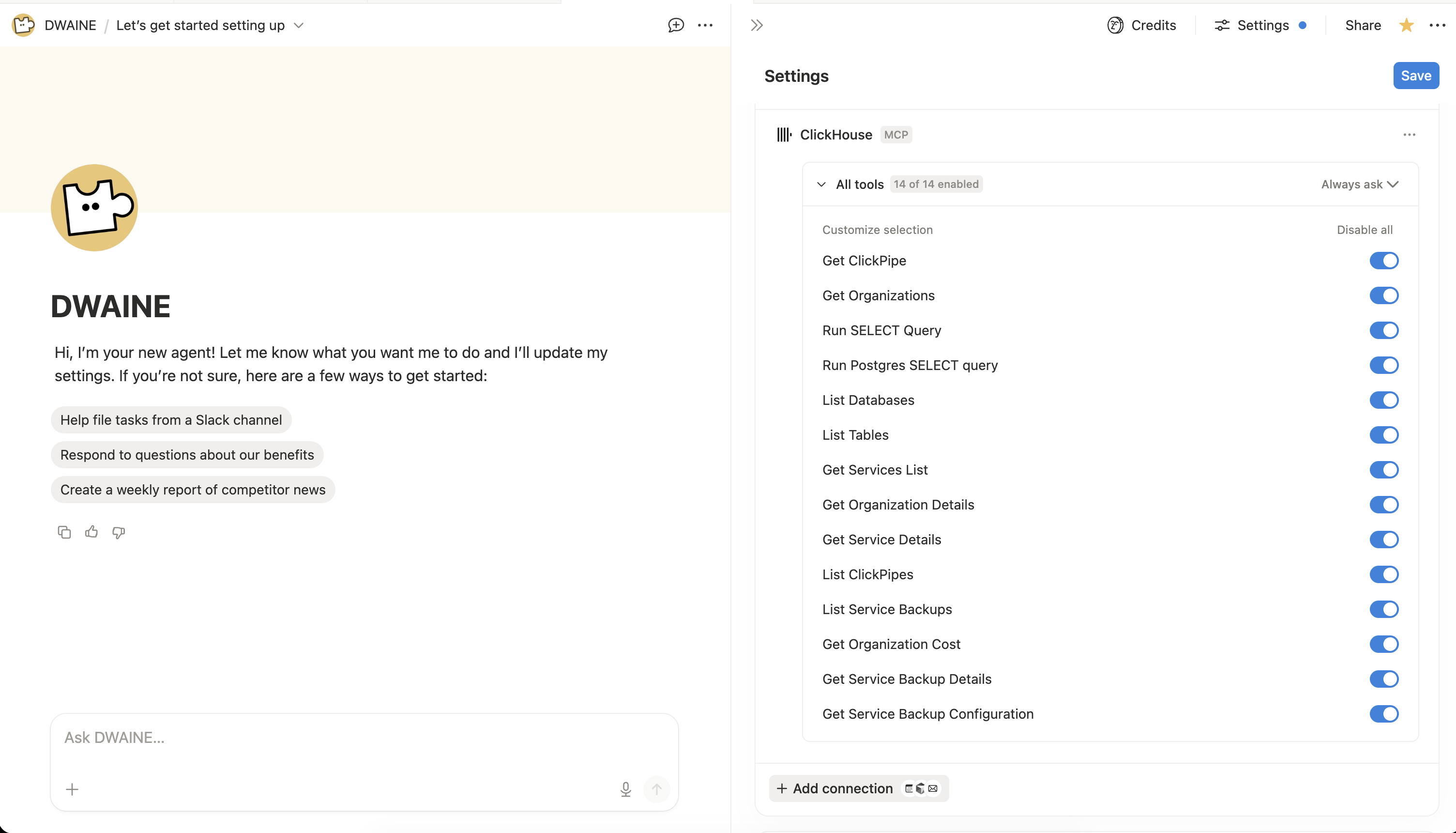
Expand the new ClickHouse connection in the agent's settings and toggle on the tools you want this agent to use. For each tool you can also choose whether the agent should run it automatically or always ask for approval. All tools exposed by the ClickHouse Remote MCP server are read-only. See the available tools reference for the full, up-to-date list.
Each Custom Agent requires its own ClickHouse connection, and only the person who authenticated a connection can change its tool settings. See Notion's security best practices for Agent connections for more details.
